Supported Networks
BlueStack's mediation feature enables you to deliver advertisements to your app from various sources, including BlueStack itself and third-party ad networks. This section provides guidance on integrating mediation partner SDKs through BlueStack's third-party SDK adapters.
Recommended: include all mediation adapters by default. Omit an adapter only if you have a specific reason not to ship that demand source. The Get Started page shows the full bundle; the sections below cover per-network details and opt-in extras.
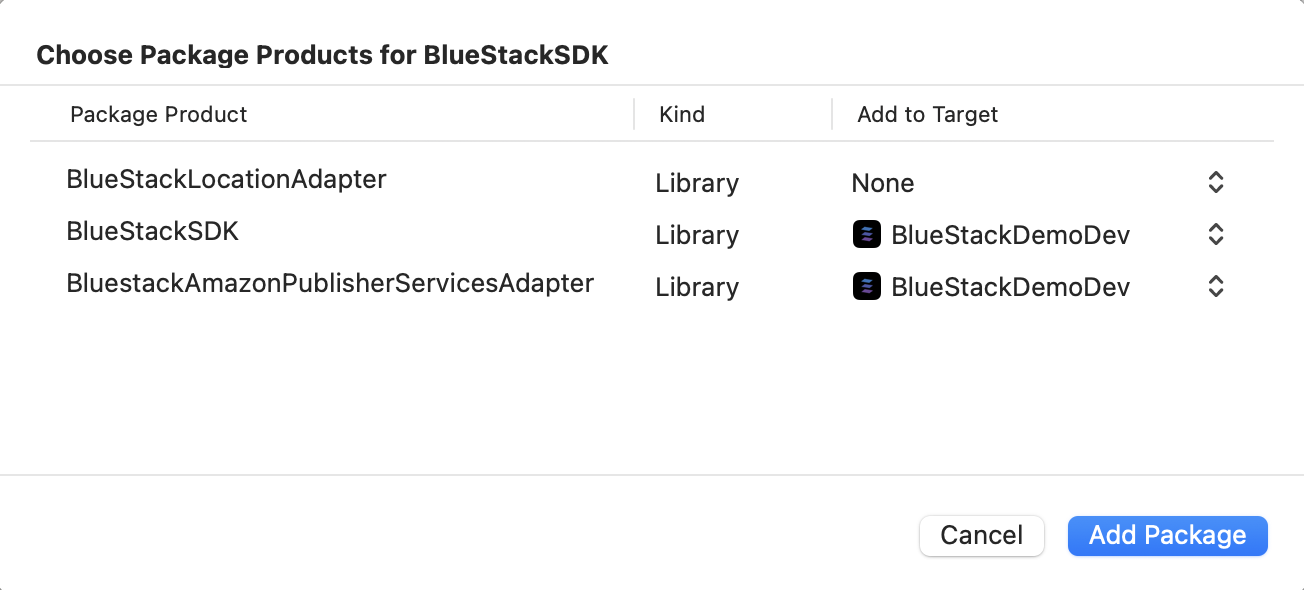
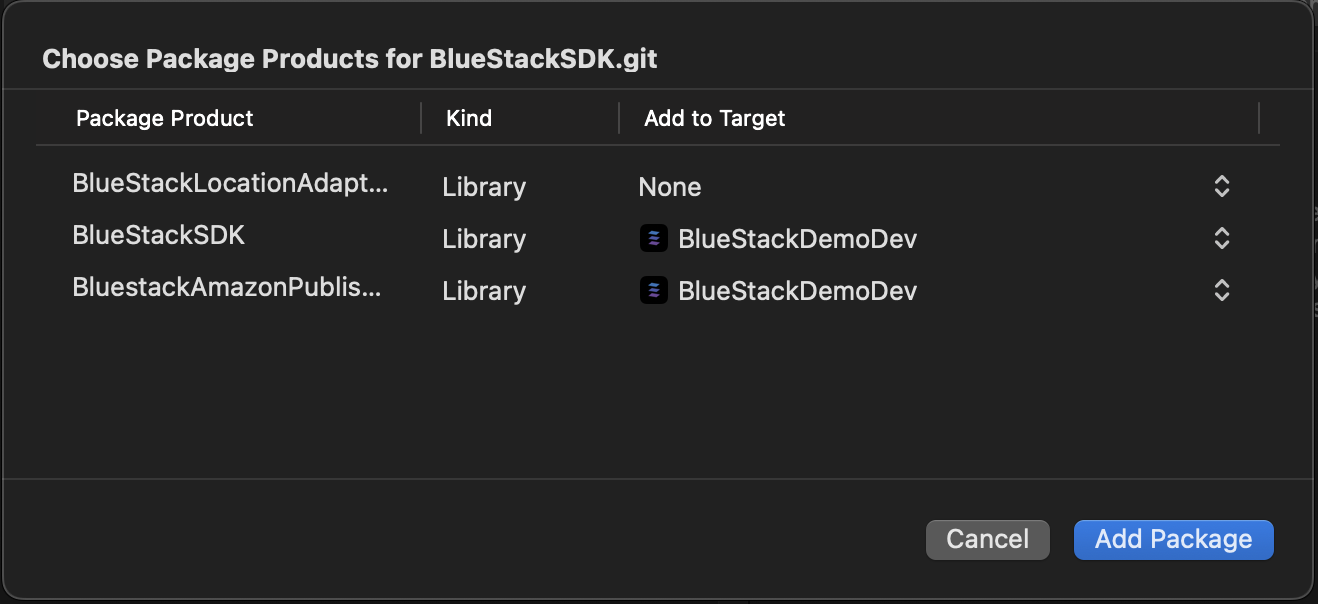
Important Note: You must add BlueStackSDK to your app's target for using any of the mediation adapters using SPM.
In-App Bidding
- CocoaPods
- Swift Package Manager
In the Podfile of your application project add BlueStackBiddingAdapter dependency
pod 'BlueStackBiddingAdapter'
Go to your project file --> Package Dependencies --> Add(+) --> Search for the BlueStackBiddingAdapter package
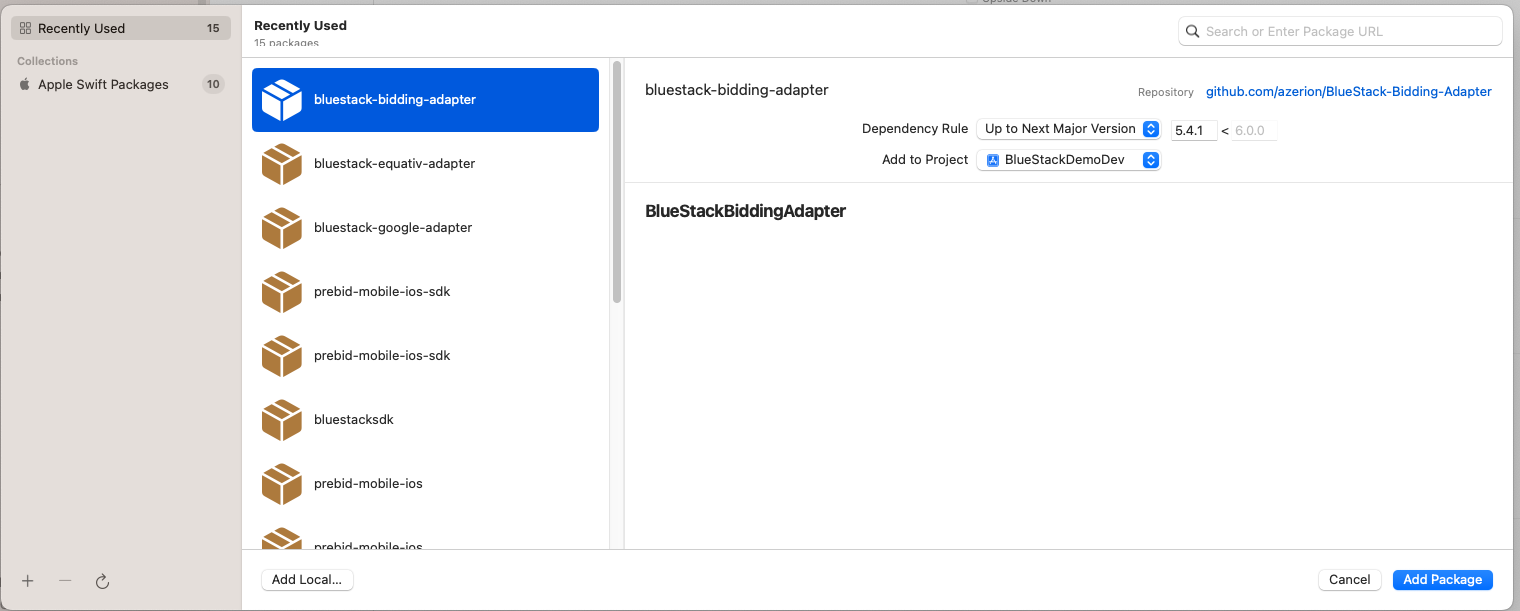
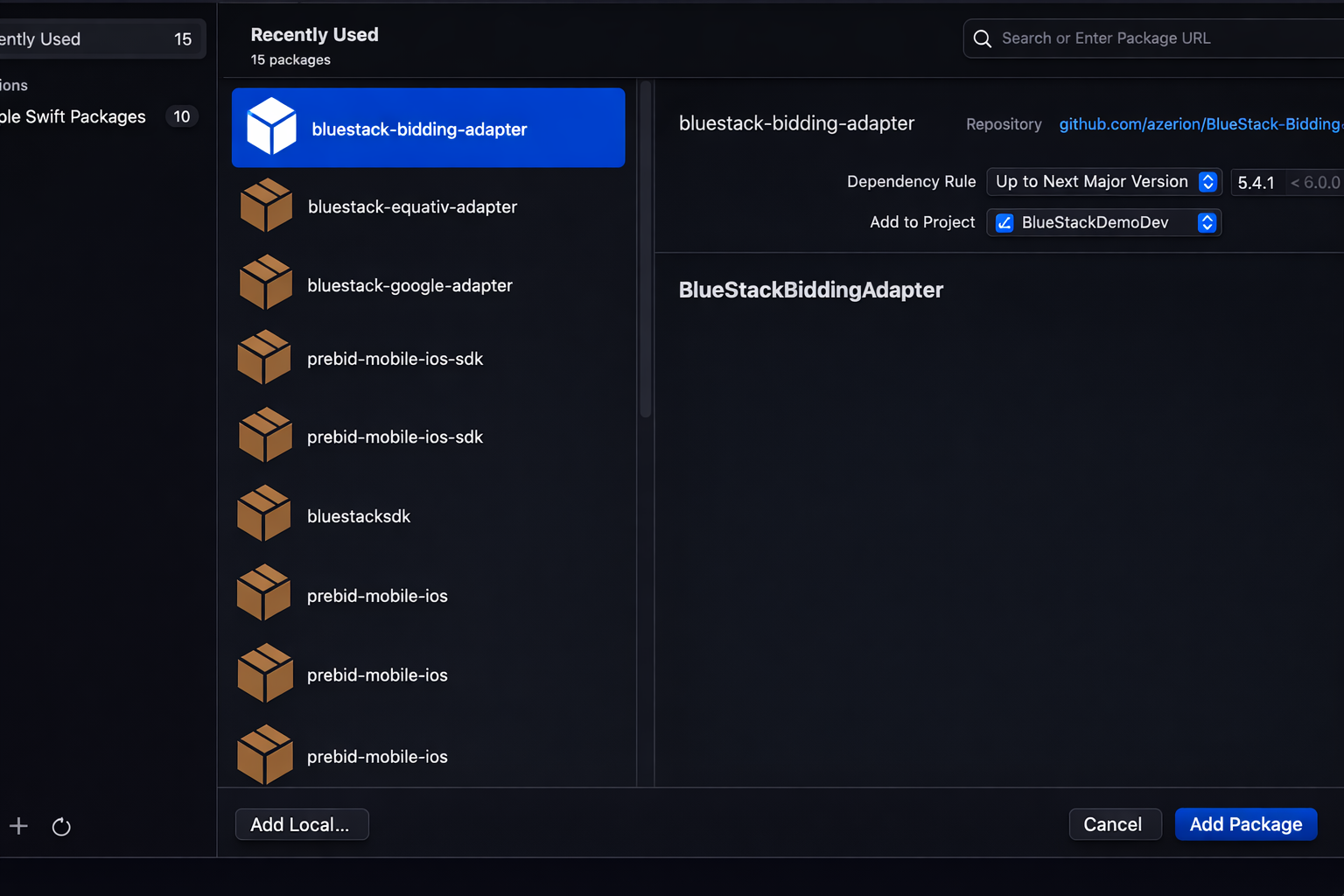
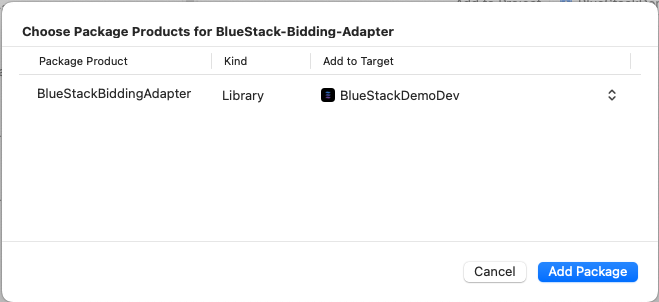
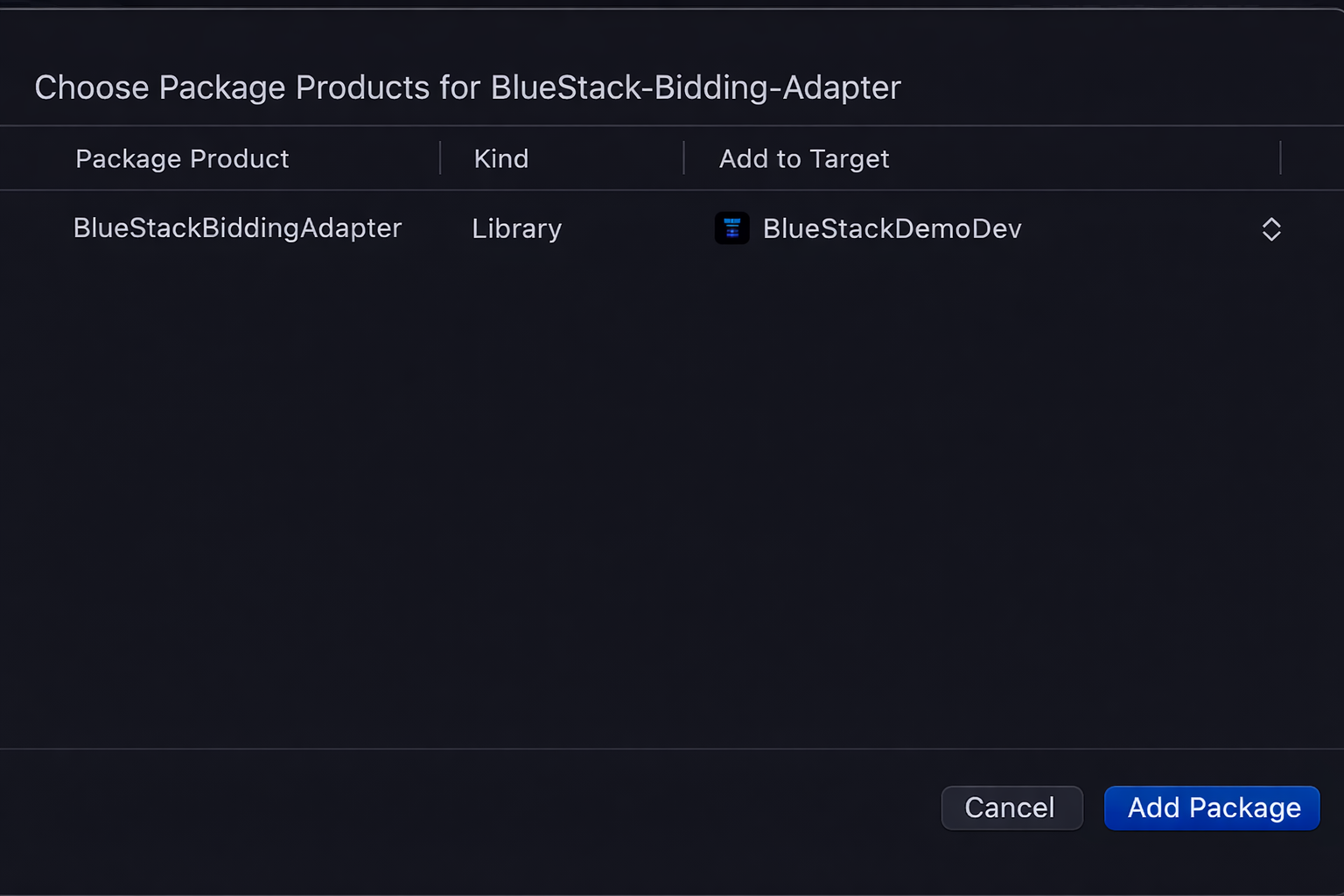
Add the BlueStackBiddingAdapter to your app's target
Google Mobile Ads
- CocoaPods
- Swift Package Manager
In the Podfile of your application project add BlueStackGoogleAdapter dependency
pod 'BlueStackGoogleAdapter'
Go to your project file --> Package Dependencies --> Add(+) --> Search for https://github.com/azerion/BlueStack-Google-Adapter
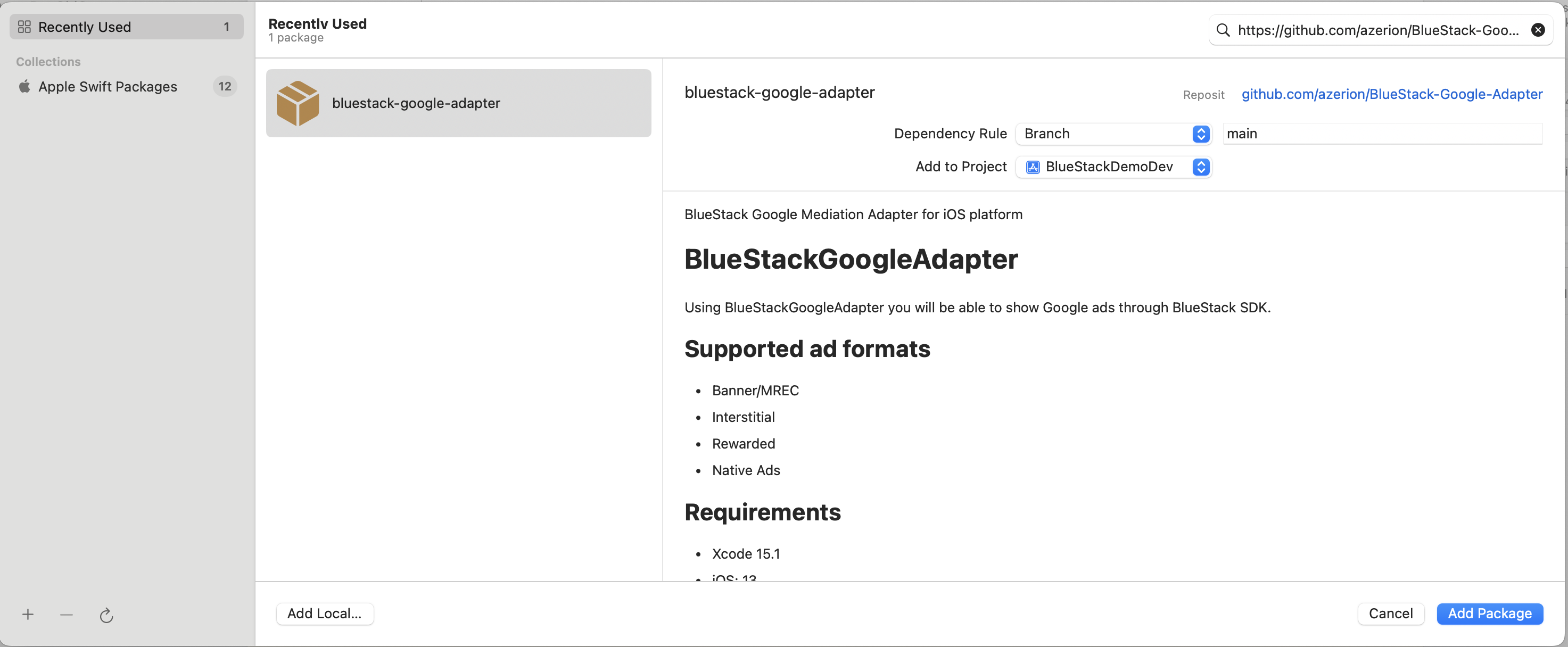
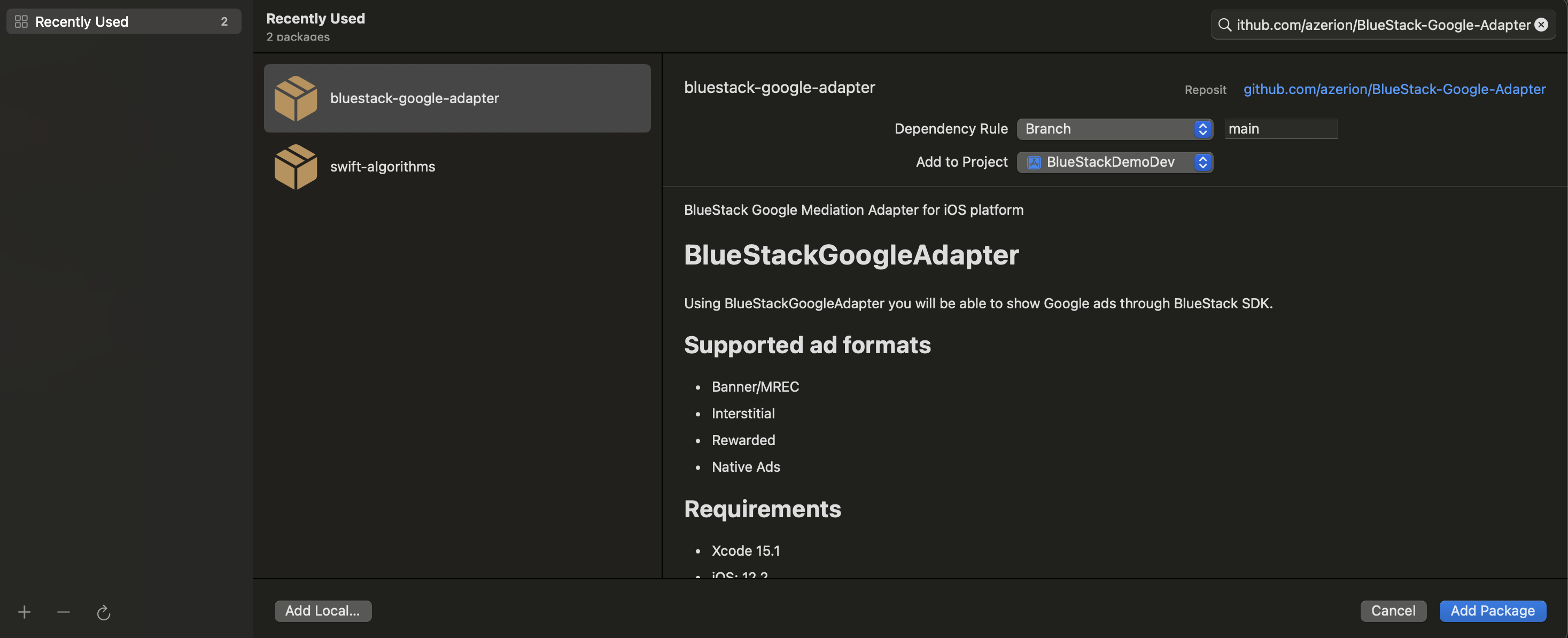
Add the BlueStackGoogleAdapter to your app's target
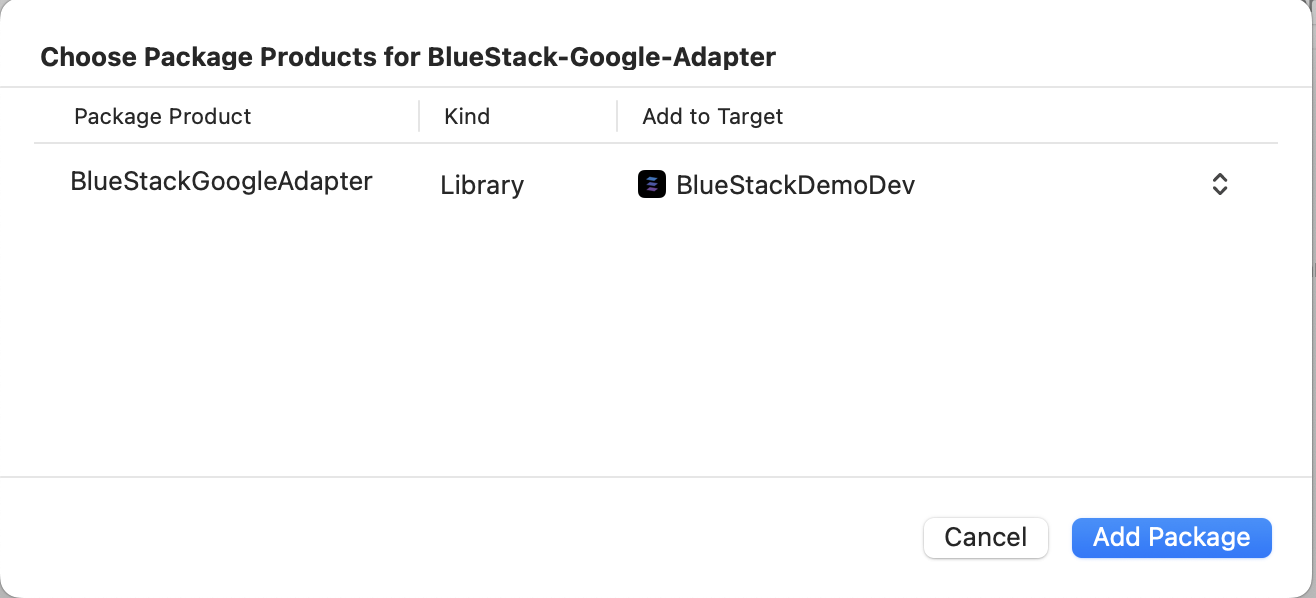
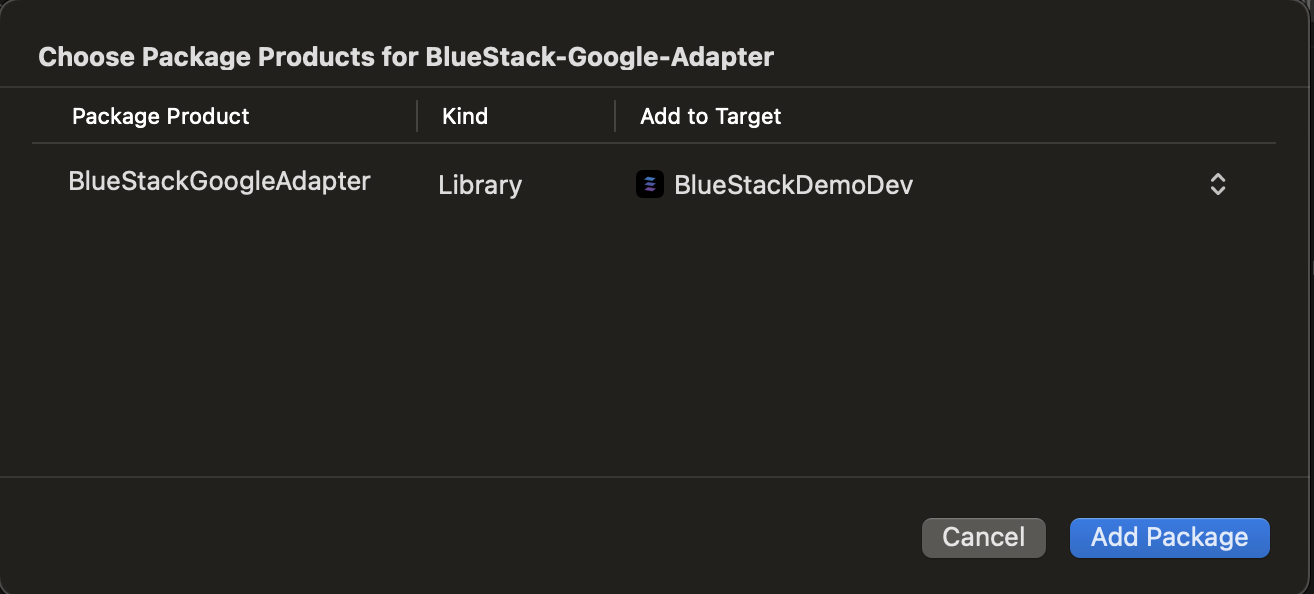
Important Note: You must add GADApplicationIdentifier in Info.plist file of your project.
<key>GADApplicationIdentifier</key>
<string>YOUR_APP_ID</string>
Equativ
- CocoaPods
In the Podfile of your application project add BlueStackEquativAdapter dependency
pod 'BlueStackEquativAdapter'
To get the in app bidding add the BlueStack Bidding adapter dependency to your app's podfile also.
pod 'BlueStackBiddingAdapter'
BidMachine
- CocoaPods
- Swift Package Manager
In the Podfile of your application project add BlueStackBidMachineAdapter dependency
pod 'BlueStackBidMachineAdapter'
Go to your project file --> Package Dependencies --> Add(+) --> Search for the BlueStackBidMachineAdapter package
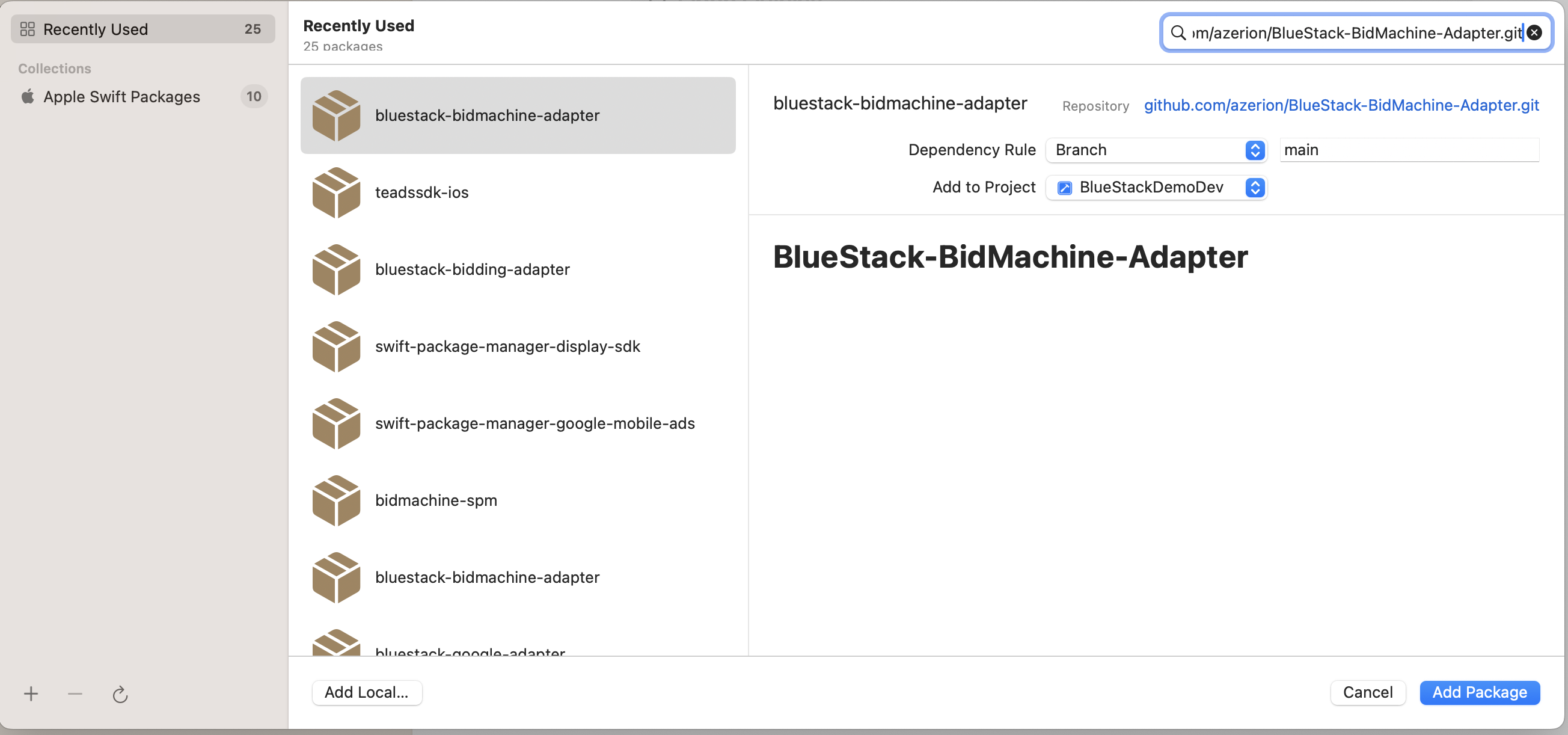
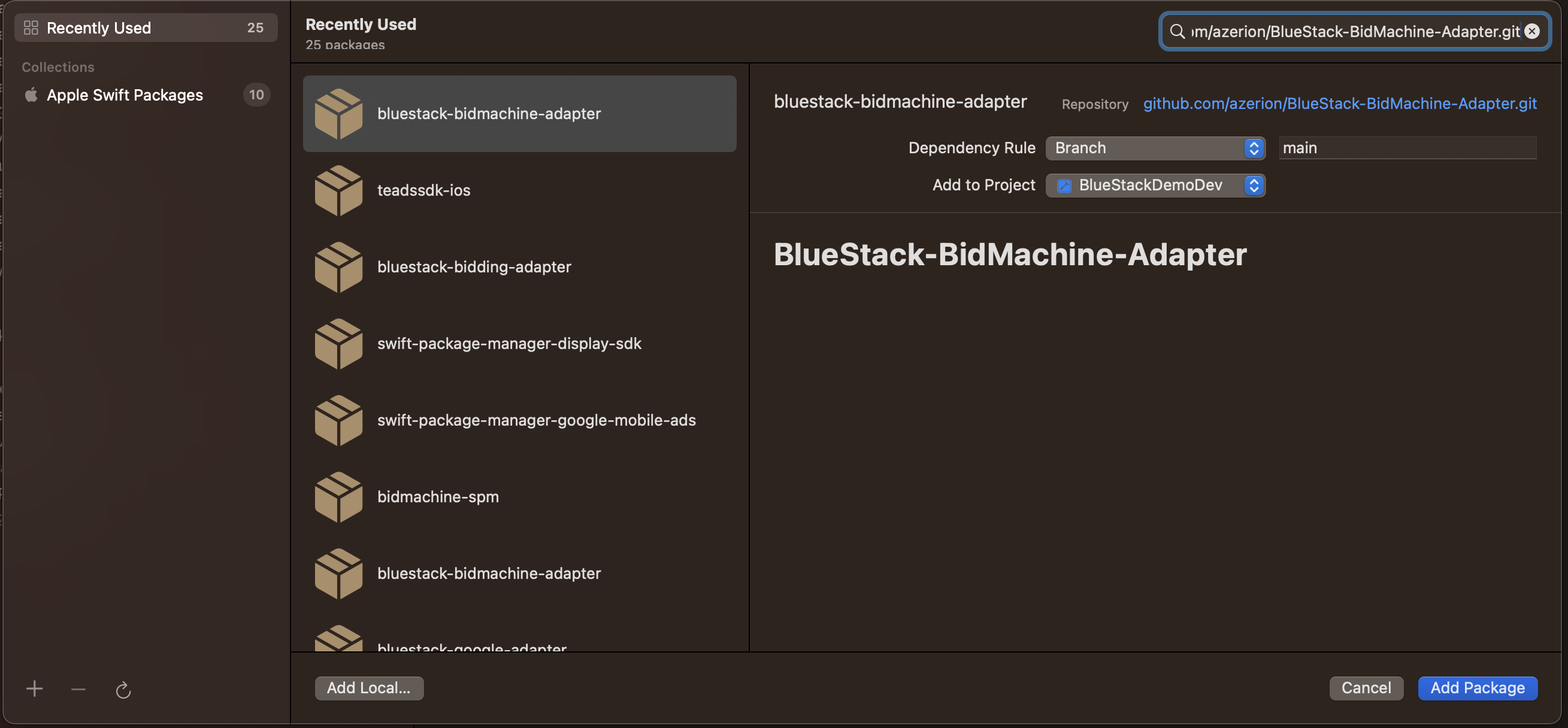
Add the BlueStackBidMachineAdapter to your app's target
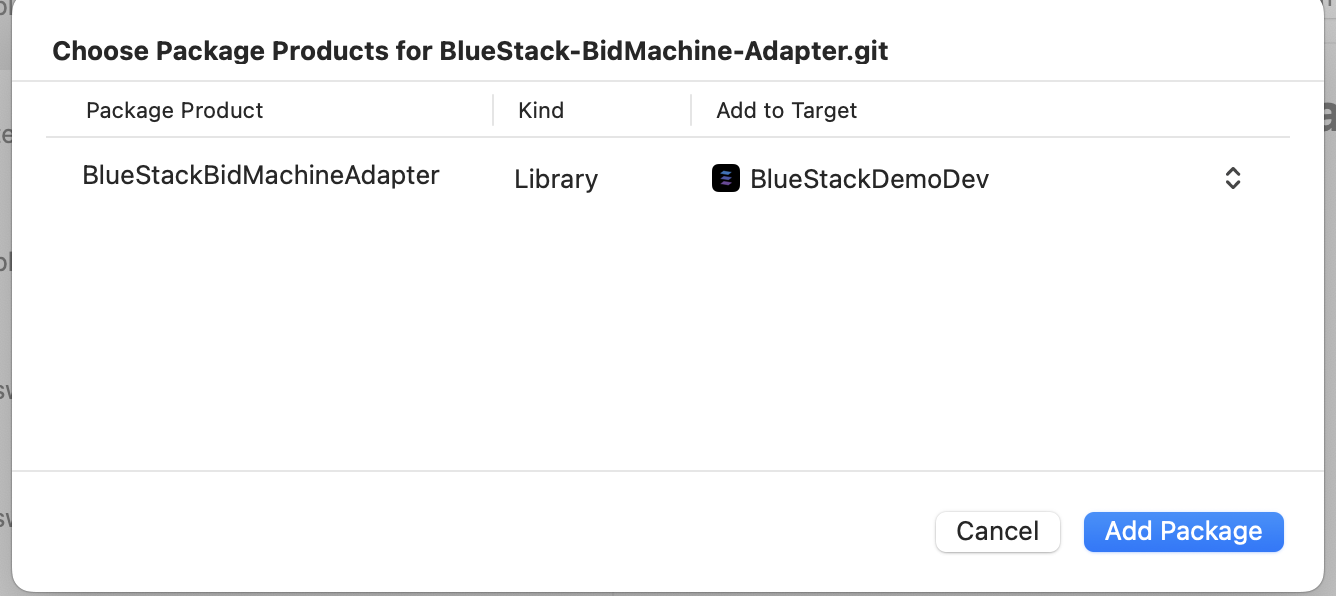
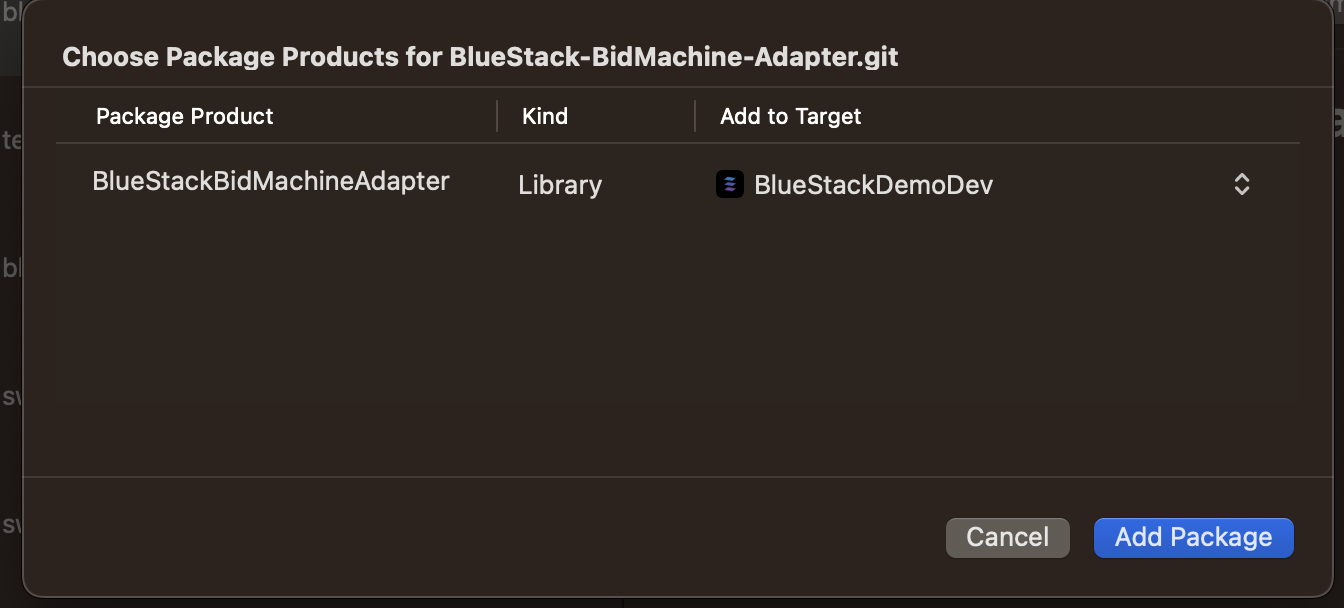
AppLovin
- CocoaPods
- Swift Package Manager
In the Podfile of your application project add BlueStackAppLovinAdapter dependency
pod 'BlueStackAppLovinAdapter'
Go to your project file --> Package Dependencies --> Add(+) --> Search for https://github.com/azerion/BlueStack-AppLovin-Adapter
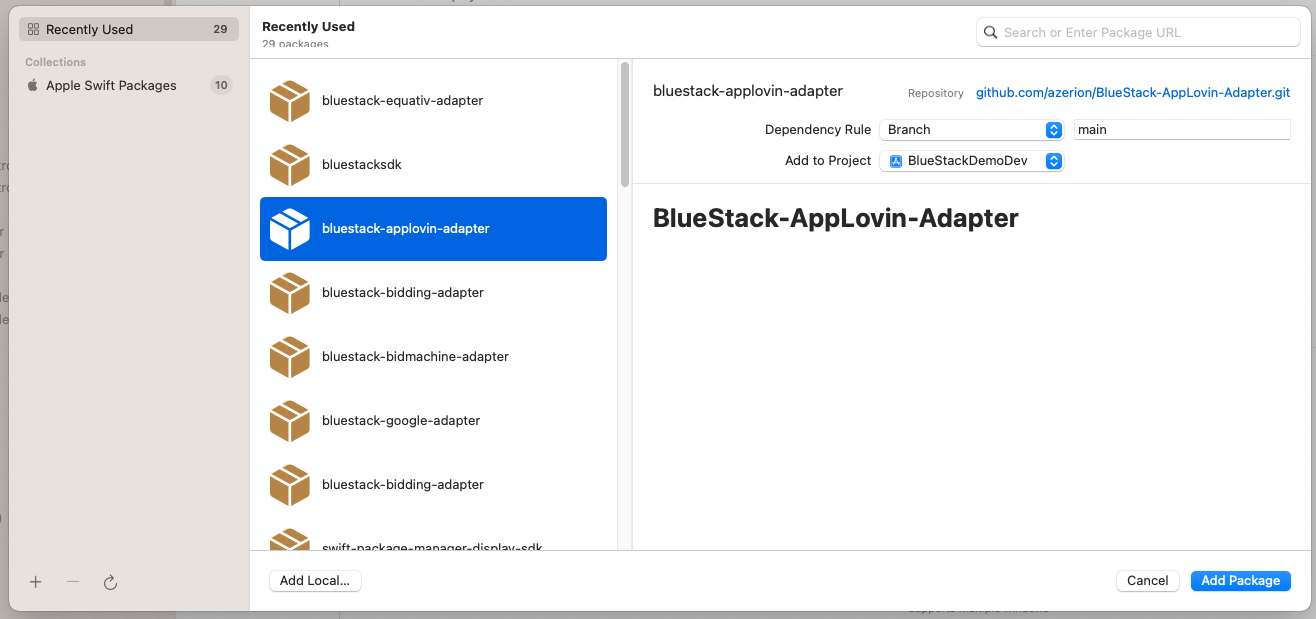
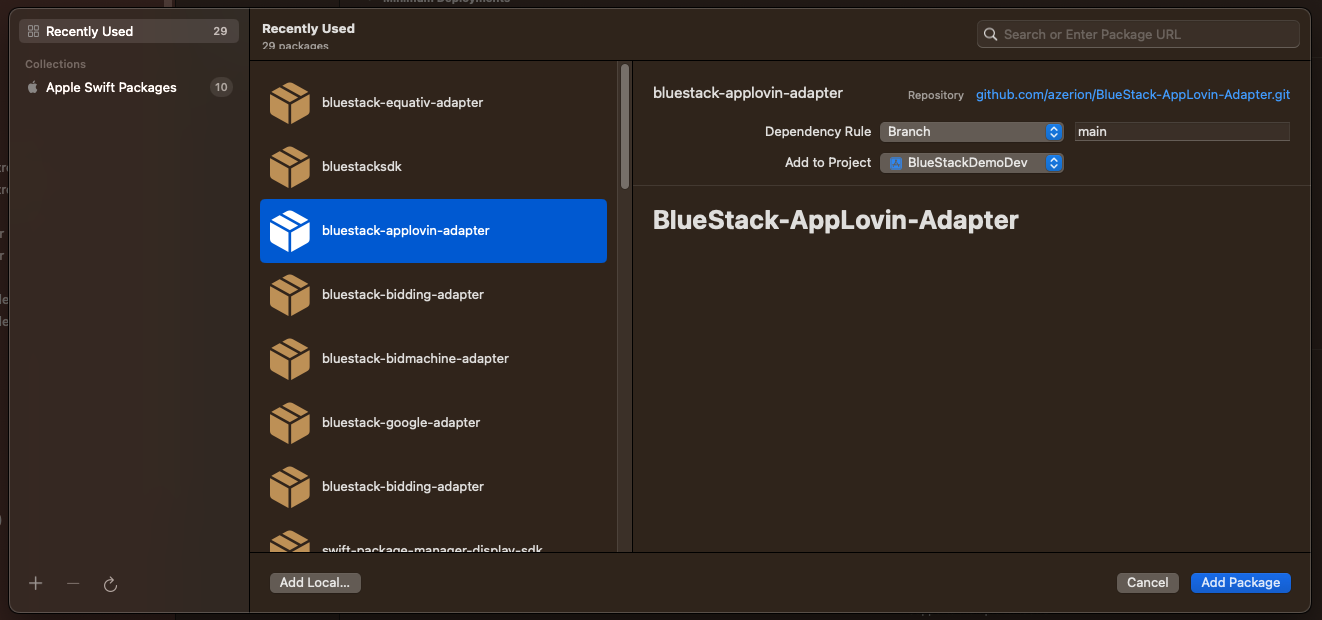
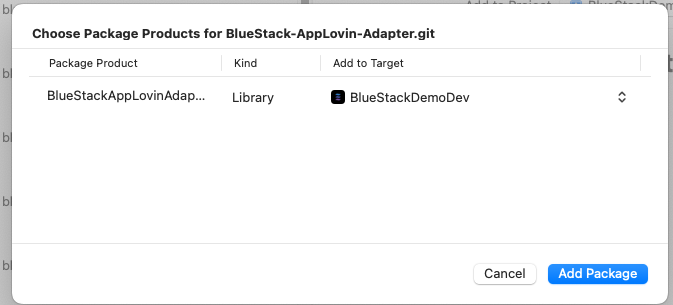
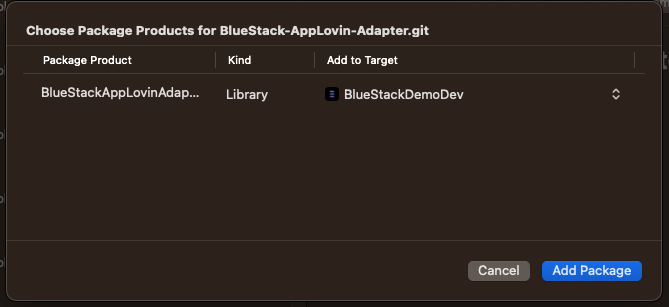
Add the BlueStackAppLovinAdapter to your app's target
Your AppLovin SDK key and ad unit IDs are configured in your BlueStack account, so no app-side AppLovin setup is needed.
This section covers BlueStack mediating AppLovin MAX demand. To run BlueStack inside AppLovin MAX mediation instead, see the AppLovin secondary adapter.
Amazon In-App Bidding
Add the BlueStack Amazon publisher service in-app bidding adapter dependency to your app's podfile.
pod 'BlueStack-SDK', :subspecs=>["BluestackAmazonPublisherServicesAdapter"]
Using Swift Package Manager add the BluestackAmazonPublisherServicesAdapter to your app's target
Supported Ad Networks
| Ad Network | SDK Version | Adapter Version | Supported Ad Formats |
|---|---|---|---|
13.5.0 | 6.1.0 | Banner / MREC, Interstitial, Rewarded Ads, Native Ads | |
| Equativ | 8.5.1 | 6.0.1 | Banner / MREC, Interstitial |
| BlueStack Bidding | N/A | 6.1.0 | Banner / MREC, Interstitial |
| BidMachine | 3.7.1 | 6.1.0 | Banner / MREC, Interstitial, Rewarded Ads |
| AppLovin | 13.6.4 | 6.1.0 | Banner / MREC, Interstitial, Rewarded Ads, App Open Ads |
Notes
- Ensure all dependencies are included as outlined in each network’s integration guide.
- Ad formats may require additional configurations or testing to confirm functionality.